
You are likely standing in front of a television set that feels outdated, struggling with a clunky remote, buffering videos, and an interface that is slow to respond. If you search for “what is a smart TV box,” you are not just looking for a definition; you are looking for a solution to modernize your viewing experience without replacing your entire entertainment setup. A smart TV box is a compact external device that plugs into your TV’s HDMI port, transforming a standard or older “dumb” TV into a full-fledged smart entertainment hub. It provides access to major streaming platforms, gaming consoles, and smart home controls through a modern, user-friendly interface, offering superior performance compared to many built-in smart TV operating systems that are often slow and locked down.
How a Smart TV Box Works and Why You Need One
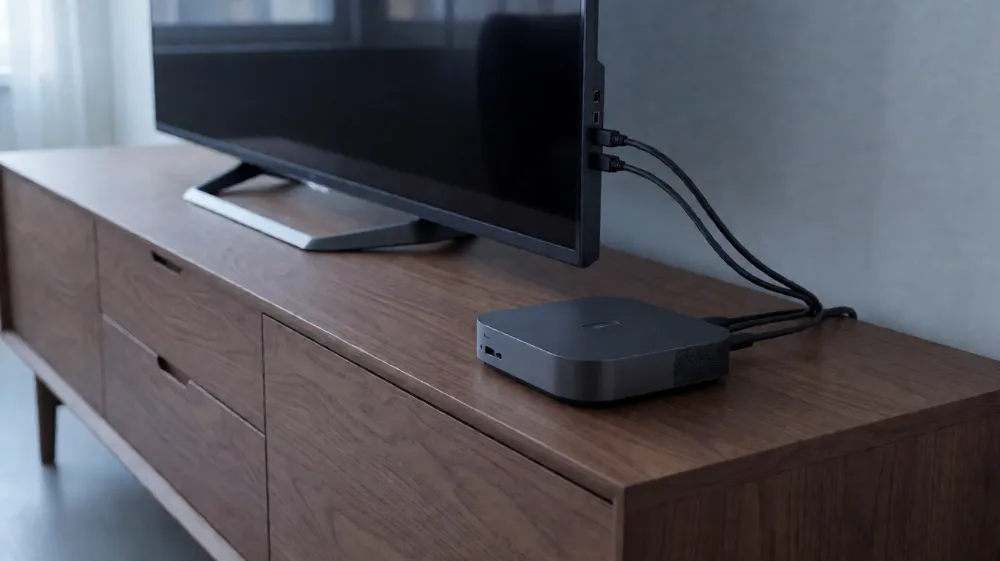
At its core, a smart TV box is a mini-computer dedicated to media processing. It runs on an operating system—most commonly Android TV, but also Fire OS, Apple tvOS, or WebOS—optimized for large-screen display. Unlike a standard set-top box that only receives cable signals, a smart TV box connects to your home Wi-Fi or Ethernet network to stream high-definition content directly.
The primary reason consumers purchase these devices is flexibility. Most modern smart TVs released before 2020 suffer from software bloat, lack of support for newer app updates, or the absence of key features like Chromecast built-in. By adding a smart TV box, you bypass the TV’s internal limitations. For example, if your TV does not support Dolby Vision, a high-end box can often decode the signal and pass it through if the TV hardware supports it, or upscale standard HD content to 4K.
Key Components and Hardware Specifications
When evaluating a smart TV box, the hardware specifications determine the smoothness of the user experience. You should look for specific metrics to ensure the device can handle 4K HDR content without lag. Below is a breakdown of the critical technical parameters you need to understand:
- CPU (Processor): This is the brain of the box. Look for quad-core or octa-core processors running at 1.5 GHz or higher. Brands like Amlogic, Rockchip, and Allwinner are common. A stronger CPU ensures fast app loading and smooth navigation menus.
- RAM (Memory): Random Access Memory dictates how many background tasks the box can handle. 2GB is the minimum for basic streaming, but 4GB or 8GB is recommended for heavy users who open multiple apps or play games. Higher RAM prevents freezing when switching between apps.
- Storage (eMMC/UFS): This is where your apps are installed. 16GB is standard, but 32GB or 64GB is preferable for storing downloaded content or installing large game files. UFS storage is faster than standard eMMC, leading to quicker boot times.
- Video Decoding: The box must support hardware decoding for major formats. This includes H.264, H.265 (HEVC), and VP9. H.265 is essential for efficient 4K streaming, as it reduces bandwidth usage by 30-50% compared to H.264.
- Audio Support: High-end boxes support Dolby Atmos and DTS:X. Ensure the box can pass this audio format through to your soundbar or home theater system for an immersive experience.
- Connectivity: Look for Gigabit Ethernet ports for stable connections, plus Wi-Fi 6 (802.11ax) for faster wireless speeds. Bluetooth 5.0 support allows for pairing with wireless speakers or gamepads.
Comparison of Top Smart TV Box Operating Systems
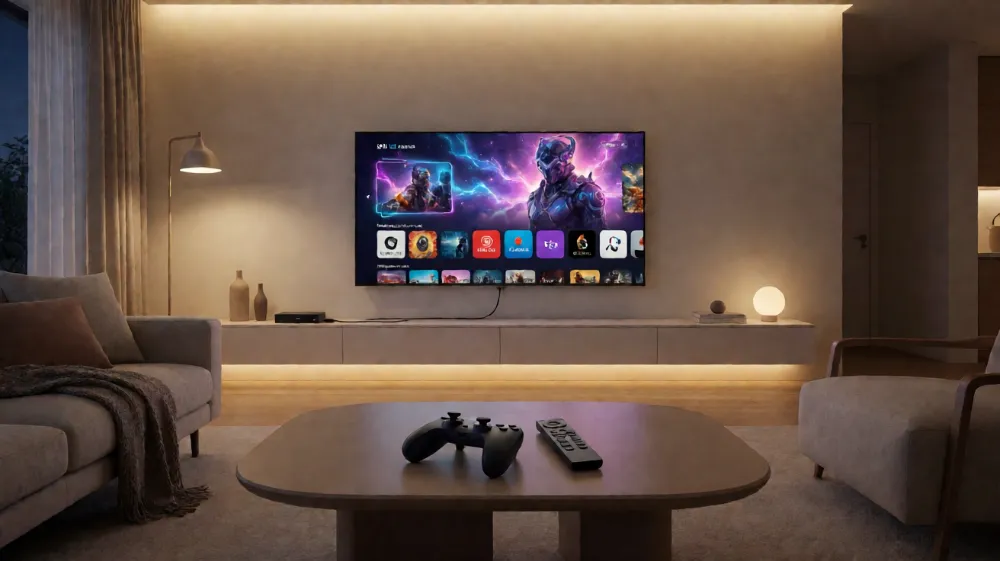
Not all boxes are created equal. The operating system defines the user experience. Here is a direct comparison of the three most common platforms to help you decide which is right for your household.
| Feature | Android TV (e.g., Nvidia Shield) | Fire TV Stick/Box (Amazon) | Apple TV (tvOS) |
|---|---|---|---|
| App Availability | Highest. Access to Google Play Store and sideloading options. | Good. Amazon Appstore is limited but covers major streaming services. | Moderate. Apple TV app store is curated; fewer gaming options. |
| Voice Control | Google Assistant built-in. “Hey Google” works without button press. | Alexa built-in. Requires clicking a button on remote. | Siri built-in. Requires pressing and holding a button. |
| Sideoading | Allowed. Can install APK files for apps not in the store. | Restricted. Requires third-party tools to install APKs. | Not Allowed. Closed ecosystem; no third-party app installation. |
| Gaming Support | Excellent. Can run emulators and mobile games. | Basic. Limited to casual mobile games. | Very Basic. Mostly console remote integration. |
| Price Range | $90 – $200+ | $30 – $100 | $100 – $180 |
As shown in the table, Android TV boxes offer the most flexibility for tech-savvy users who want to tinker with their setup, while Fire TV is the best value for those who only use Prime Video and Netflix. Apple TV is preferred by users already invested in the Apple ecosystem who value design and seamless AirPlay integration.
Practical Benefits and Use Cases
Understanding the technology is one thing, but knowing how it improves daily life is another. Here are three specific scenarios where a smart TV box outperforms a built-in TV system:
- Reviving Older Televisions: If you bought a TV in 2015, it likely lacks support for the latest codec standards. A smart TV box acts as a bridge, allowing you to stream 4K content on a 1080p screen with enhanced upscaling algorithms that make the picture sharper and more vibrant than the TV’s internal processor can achieve alone.
- Smart Home Control: Many boxes, particularly those running Android TV or Fire OS, act as central hubs for smart home devices. You can control your lights, thermostat, or security cameras using voice commands on the TV remote, eliminating the need to juggle multiple apps on your smartphone.
- Gaming Without a Console: For casual gamers, a smart TV box with a Bluetooth gamepad can run titles like Minecraft, Roblox, or retro emulators. This is a cost-effective alternative to buying a dedicated gaming console for households where gaming is occasional.
Common Objections and How to Resolve Them
A frequent concern among buyers is whether a smart TV box is a “box” that will become obsolete quickly. The hardware itself is durable, but the software may stop receiving updates after three to five years. To mitigate this, choose brands with a track record of long-term support, such as Nvidia, Apple, or Amazon, rather than generic, no-name brands that often lack driver updates.
Another objection is setup complexity. For most users, the process is simple: plug the box into an HDMI port, connect it to power, and pair the remote via Bluetooth or IR. The device will automatically detect your Wi-Fi network. If your TV has multiple HDMI inputs, label them to keep track of where the box is plugged in. Always ensure your TV is set to the correct HDMI input to access the box’s interface.
FAQ
What is the difference between a Smart TV and a Smart TV Box?
A Smart TV is a display with a built-in operating system and Wi-Fi capabilities, while a Smart TV Box is an external device that must be connected to a TV via HDMI to provide smart features. A Smart TV Box is often more upgradeable and can outperform the integrated system of an older or low-budget television.
Can I use a Smart TV Box with any TV model?
Yes, as long as your television has an available HDMI port. Most TVs manufactured in the last 15 years include HDMI. For very old TVs that only have RCA or Composite inputs, you may need an HDMI-to-RCA converter cable to connect the box, though video quality will be limited to standard definition.
Do I need an internet connection to use a Smart TV Box?
For streaming services like Netflix, YouTube, or Hulu, yes, a stable internet connection is required. However, you can still use the device to play locally stored media files from a USB drive or to control smart home devices that work over local networks without an internet link.
Choose the Right Streaming Hub Today
Your entertainment experience should not be limited by the hardware you bought years ago. By investing in a high-performance smart TV box, you unlock faster processing, better app compatibility, and a modern user interface that makes your daily viewing smoother and more enjoyable. Whether you want to game, stream in 4K HDR, or control your smart home, the right device makes all the difference.
We invite you to explore our lineup of certified Android TV and Fire TV compatible devices. Contact our technical team today for a free consultation to determine which box matches your specific TV model and streaming habits. Request a quote now to upgrade your home theater setup with a reliable, future-proof streaming solution.
Latest Content
- Selecting the Right TV for Hospital Beds: A Practical Guide to Patient Entertainment and Comfort
- Hospital Patient Room TV: Specs & Buying Guide
- The Ultimate Guide to Choosing a Medical Display Manufacturer (2026)
- Bedside Terminal: The Complete Guide to Patient-Centric Hospital Technology
- How Can Medical Device Manufacturers Optimize Their Supply Chain Strategy for Resilience and Efficiency?