
Author: Jennifer Walsh, RN BSN – 12 years as a medical-surgical nurse and patient experience coordinator, now writing about hospital technology for patient advocacy.
You are settling into a hospital room. The bed adjusts. The curtains pull shut. And there it is – a screen mounted on an articulated arm. That is your bedside TV in hospitals. But it is not just a television. Modern hospital bedside television systems have evolved far beyond daytime reruns and evening news. This guide walks through everything a patient or family member needs to know: costs, features, how to use the nurse call button, entertainment options, and whether you can watch your own streaming services.
What Exactly Are Bedside TVs in Hospitals?
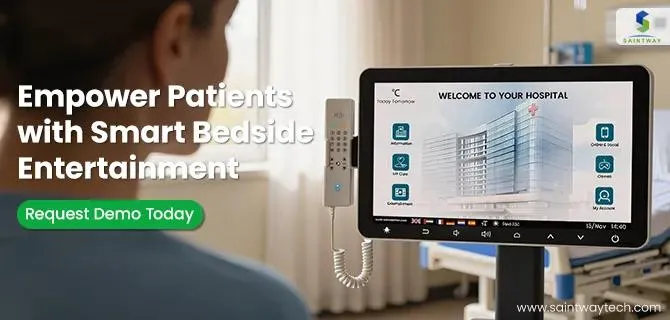
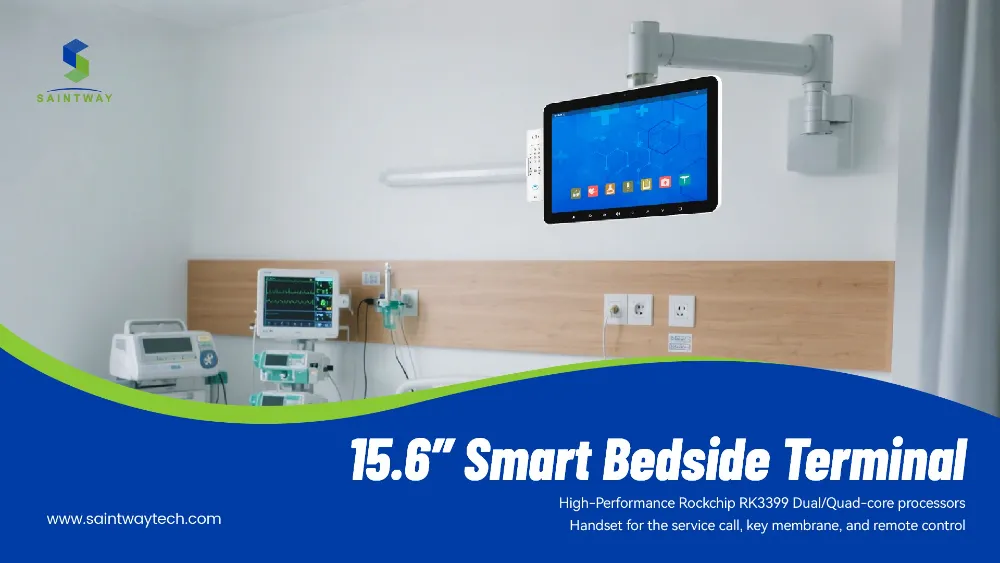
A hospital bedside television is a screen mounted near the patient bed, typically on a swinging arm that positions the display for comfortable viewing from any angle. These units are part of the hospital room headwall – the panel behind the bed that contains oxygen, suction, and electrical outlets. Older systems offered only broadcast TV channels controlled by a pillow speaker (that familiar flat remote with a volume dial and a call button). Newer systems are fully interactive patient television platforms with touchscreens, on-demand content, and two-way communication.
The shift from passive TV to digital patient engagement platform has been rapid. Today’s patient room TV solutions include educational videos, meal ordering, pain scale reporting, and even telehealth visits – all from the same screen.
Do Patients Have to Pay for Hospital Bedside TV?
The short answer: often yes. Hospital bedside TV rental cost per day ranges from $5 to $15 in most US hospitals. Some facilities include basic channels (ABC, CBS, NBC, Fox, PBS) at no charge, then charge for movie channels, sports packages, or on-demand content. A few hospitals, particularly academic medical centers and children’s hospitals, have eliminated TV fees entirely as part of patient experience initiatives.
Are bedside TVs included in Medicare or insurance? Generally, no. Medicare Part A covers room and board but specifically excludes television rental fees unless the hospital bundles it into the daily room rate. Private insurance plans follow the same rule. You should expect to pay out of pocket. Before you accept any paid TV service, ask the nurse or patient advocate: is there a free basic option? Some hospitals offer free local channels but never advertise it.
Do patients have to pay for hospital bedside TV when they never turn it on? Check your itemized bill. If a daily TV fee appears but you never used the service, request a removal. Many hospitals automatically add the charge unless you explicitly decline at admission.
How Do Hospital Bedside TV Systems Work?
The technology is simpler than it looks. How do hospital bedside TV systems work? A central server in the hospital distributes cable or satellite TV signals to each room. The pillow speaker connects to the TV via a standard headphone jack or a proprietary connector. That same speaker contains the nurse call integration button – press it, and a light outside your room illuminates. The nursing station sees which room called.
Modern interactive patient television systems work over the hospital’s internal network. Each TV has an IP address, just like a computer. Patients navigate menus using a remote or touchscreen. When you order food, the request goes directly to the kitchen system. When you watch an educational video, the hospital records that you viewed it – important for regulatory requirements.
Can You Stream Netflix on Hospital Bedside TVs?
This is the most common question from younger patients and parents of hospitalized children. Can you stream Netflix on hospital bedside TVs? Some can. Newer patient entertainment system platforms from vendors like GetWellNetwork, SONIFI, or BEWiFi include apps for Netflix, Hulu, Amazon Prime, and YouTube. But many hospitals still run older systems that only show live TV and a few on-demand movies.
Even if the bedside TV supports streaming, you often need to log into your personal account. Typing an email and password using a TV remote is frustrating. A better option: bring your own tablet or laptop. Bedside TV vs personal tablet in hospital – the tablet wins for streaming flexibility. Most hospitals offer free or low-cost WiFi. You can watch your own Netflix account, read ebooks, or video call family without paying daily TV fees.
One caveat: some hospitals block streaming video on their guest WiFi to preserve bandwidth for clinical systems. Check with the IT help desk or ask a nurse about “patient WiFi streaming policy.”
Features of Modern Hospital Bedside TV Units
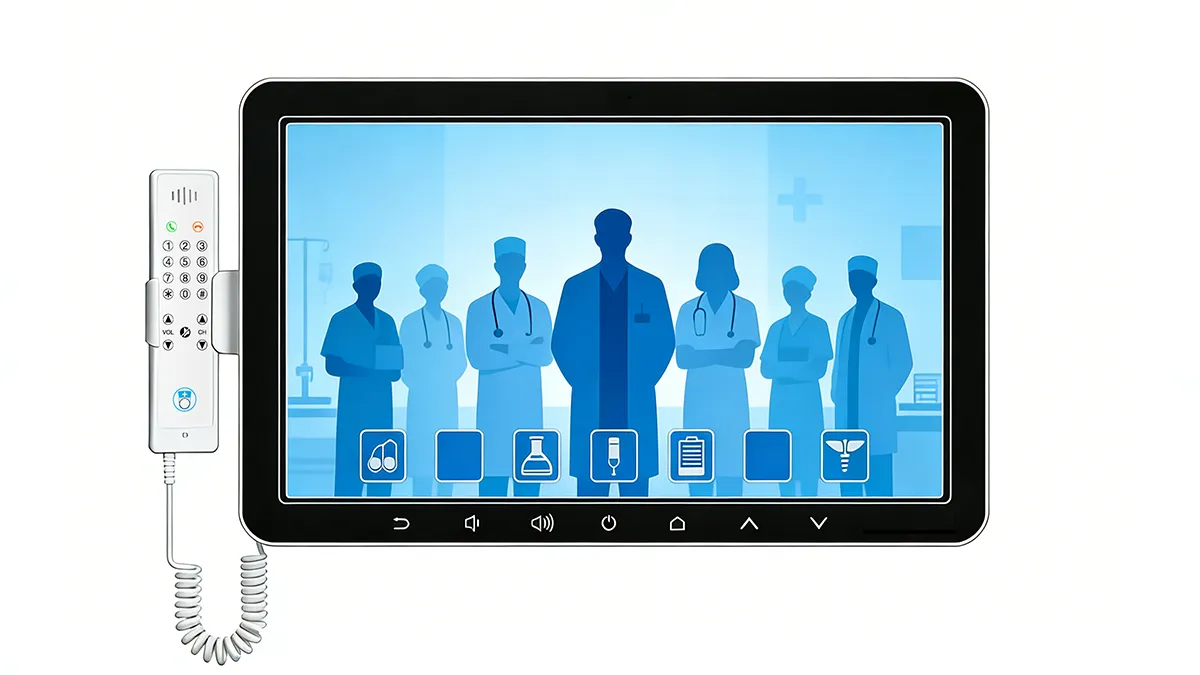
The features of modern hospital bedside TV units extend far beyond entertainment. Here is what you might find on a current-generation system.
Patient education videos prescribed by your doctor appear automatically. After a new diabetes diagnosis, the TV might prompt you to watch a ten-minute video on insulin administration. The system tracks completion and reports back to your care team.
Nurse call goes two ways now. Press the call button on your pillow speaker or remote. When the nurse answers from the station, they speak through the TV speaker. You do not need to hold anything near your mouth – the TV microphone picks up your voice.
Meal ordering. Hungry at 2 AM? Browse the menu on your interactive patient television, select your items, and the kitchen receives the order. No waiting for the dietary aide to make rounds.
Pain scale reporting. A simple screen asks you to select a face from smiling (no pain) to crying (worst pain). Your answers go directly to the electronic health record. Nurses see trends over time.
Language interpretation. Many hospital bedside television systems offer on-screen translation for dozens of languages. A Spanish-speaking patient can watch discharge instructions in Spanish. Some systems connect to live video interpreters.
Closed captioning healthcare is legally required under the Americans with Disabilities Act. All hospital TVs must support captions. Ask a nurse or tech to enable them if you need them.
Accessibility features of hospital bedside televisions also include high-contrast menus, screen readers for visually impaired patients, and large-button remotes for patients with limited dexterity.
Bedside TVs and Nurse Call Integration
The call button on your remote or pillow speaker is not just for emergencies. Bedside TV and nurse call integration means pressing that button does two things: it lights the hall light outside your door, and it sends a notification to the nursing station monitor. Some systems also display your name and room number on a central board.
When the nurse answers, they typically speak through the TV. “This is Sarah on medical-surgical. How can I help?” You answer through the TV microphone. If you need help getting to the bathroom, the nurse sends an assistant. If you have a medication question, the nurse comes to your room. This two-way audio saves time and reduces unnecessary trips for minor requests.
What if you cannot reach the remote? Modern hospital room headwall designs place a secondary call button on the bed rail or wall. Some systems accept voice commands – “Hey hospital, call my nurse” – though this remains rare.
Patient Education Through Hospital Television Systems
Hospitals have a legal and ethical duty to educate patients before discharge. Patient education through hospital television systems solves a real problem: tired patients do not read printed handouts. A five-minute video watched on the bedside TV has much higher completion rates.
After a heart attack, your TV might show a video about medication adherence, diet changes, and warning signs of another attack. Before knee replacement surgery, you watch a video explaining what happens during the operation and how to use the incentive spirometer afterward. On-demand patient education means you watch when you are ready, not when a nurse has time to sit down with you.
The hospital records that you watched the video. This documentation protects the hospital legally and helps your care team know what you have learned.
Bedside TV Entertainment Options for Long Hospital Stays
For patients facing weeks or months in the hospital, bedside TV entertainment options for long hospital stays matter enormously. Boredom and isolation worsen outcomes. Music, movies, games, and virtual visits with family all help.
Beyond live TV, many patient entertainment system platforms offer:
- Hundreds of on-demand movies (some free, some rental fee)
- Relaxation channels with nature scenes and ambient music
- Guided meditation and breathing exercises
- Brain games (crosswords, Sudoku, memory games)
- Virtual tours of museums, zoos, and national parks
- Religious and spiritual content (services, prayers, meditation)
Some hospitals allow patients to send messages to family members through the TV system. A patient types “Doing better, love you” using the remote. The family receives an email or text. Simple, but meaningful for patients without smartphones.
Bedside TVs and Patient Satisfaction Scores
Do bedside TVs improve patient satisfaction scores? Yes, significantly. The HCAHPS (Hospital Consumer Assessment of Healthcare Providers and Systems) survey asks patients about communication, responsiveness, and overall rating. Hospitals with modern interactive patient television consistently score higher on “communication about medications” and “responsiveness of hospital staff.”
The reason is not the TV itself. It is what the TV enables. When a patient can watch a medication video at 3 AM, they understand their pills better. When they can report pain without waiting for a nurse to walk by, they feel heard. Digital patient engagement platform features drive the satisfaction gains, not the number of channels.
How to Use the Call Button on Hospital Bedside TV Remote
How to use call button on hospital bedside TV remote is simple but worth explaining. On a pillow speaker, the call button is usually the largest button, often red or marked with a bell icon. On a standard TV remote, look for a button labeled “Nurse” or a person icon.
Press once. A light outside your door turns on. You may hear a chime from the TV speaker confirming your call was received. Speak clearly when the nurse answers through the TV. State your name, room number (even though they already know it), and what you need.
Do not press repeatedly. Each press resets the timer, making it harder for staff to know how long you have waited. If ten minutes pass with no response, press again or ask a passing staff member.
Bedside TV vs Personal Tablet: Which Is Better?
Bedside TV vs personal tablet in hospital – the tablet usually wins for everything except nurse call integration. A tablet gives you your own streaming services, games, books, and video calls. A bedside TV gives you live TV and hospital-specific tools (education, meal ordering, pain reporting).
The ideal setup uses both. Bring your tablet or laptop for entertainment and communication. Use the hospital TV for nurse calls, education videos, and any features that integrate with your medical record. If you do not own a tablet, ask the hospital if they loan devices to patients. Many do.
Frequently Asked Questions
What are bedside TVs used for in hospitals? Entertainment (TV, movies, music), patient education videos, nurse communication, meal ordering, pain reporting, and language interpretation.
Do patients have to pay for hospital bedside TV? Many hospitals charge $5-$15 daily. Medicare and insurance do not cover this fee. Ask if free basic channels exist.
Benefits of interactive bedside TVs for patients include better medication understanding, faster nurse response, reduced boredom, and higher satisfaction with hospital care.
Hospital bedside TV rental cost per day varies. Public hospitals often charge less ($5-$8). Private hospitals may charge more ($10-$15). Some children’s hospitals offer free TV.
Are bedside TVs included in Medicare or insurance? No. TV fees are personal expenses unless bundled into the daily room rate (rare).
How to use call button on hospital bedside TV remote – press the large red or bell button once. Speak when the nurse answers through the TV. Wait patiently.
Patient education through hospital television systems works because patients watch videos when alert and ready, not just when staff have time.
Bedside TV entertainment options for long hospital stays include movies, games, meditation, virtual tours, and religious content.
Accessibility features of hospital bedside televisions include closed captioning, screen readers, high-contrast menus, and large-button remotes.
Do bedside TVs improve patient satisfaction scores – yes, by enabling better communication and self-service tools.
A Note on TV Remote Sanitization
Hospitals clean TV remote sanitization between patients, but you should still ask for a freshly sanitized remote upon admission. Remote controls are high-touch surfaces. Some hospitals now use disposable remote covers or antimicrobial plastic. If you are immunocompromised, bring your own stylus to press buttons, or ask if voice control is available.
Latest Content
- 21.5-Inch Bedside Medical Infotainment Display: Complete Hospital Guide 2026
- How Can Medical Device Manufacturers Optimize Their Supply Chain Strategy for Resilience and Efficiency?
- Bedside Infotainment System: 6 Proven Patient Outcome Benefits
- Medical Device Supply Chain Management: Resilience & AI Trends 2026
- Hospital Bedside Infotainment Solution 2026: ROI, Integration & Best Practices