
As a consultant who has walked the linoleum floors of over fifty healthcare facilities during digital transformation rollouts, I’ve seen a recurring “quiet crisis.” It’s not the code blue or the emergency trauma; it’s the slow, grinding friction of manual processes that erodes patient trust and burns out world-class nursing staff.
In a typical 400-bed general hospital, the bedside is the most underutilized “real estate” in the building. While we’ve digitized the back office and the pharmacy, the patient’s primary interface with the hospital is often still a legacy plastic TV remote and a whiteboard that hasn’t been updated since the last shift change.
This article explores why Bedside Infotainment Terminals (BITs) are no longer “luxury amenities” but essential clinical tools for modernizing the ward, improving HCAHPS scores, and reclaiming thousands of nursing hours.
1. The Anatomy of Hospital Pain Points: Why “Business as Usual” is Failing
Before discussing hardware, we must acknowledge the clinical reality. General hospitals currently face a trifecta of pressures: rising patient acuity, a critical nursing shortage, and a reimbursement model (CMS/HCAHPS) that penalizes poor “perceived” care.
Patient Anxiety and “The Information Void”
A patient lying in a hospital bed exists in a state of high-stress passivity. They don’t know when the doctor is coming, what their latest labs show, or even the name of the tech who just took their vitals. This “information void” manifests as anxiety, which leads to more frequent use of the call bell for non-clinical questions.
The Nurse Overload: “Death by a Thousand Clicks”
Nurses are the most expensive and vital resource in the hospital. Currently, they spend up to 30% of their shift on non-clinical tasks: fetching water, adjusting TVs, or explaining the same discharge instructions for the fifth time. When a nurse is treated as a concierge, their clinical bandwidth for patient safety—like catching early signs of sepsis—is compromised.
Legacy Infrastructure and Maintenance Burdens
Standard consumer-grade TVs in hospitals are a nightmare for IT. They require separate cabling, lack centralized management, and offer no integration with the Electronic Medical Record (EMR). Furthermore, they are porous, making them a significant infection control risk in a post-pandemic world.
2. Mapping Problems to Solutions: The Power of the Bedside Terminal
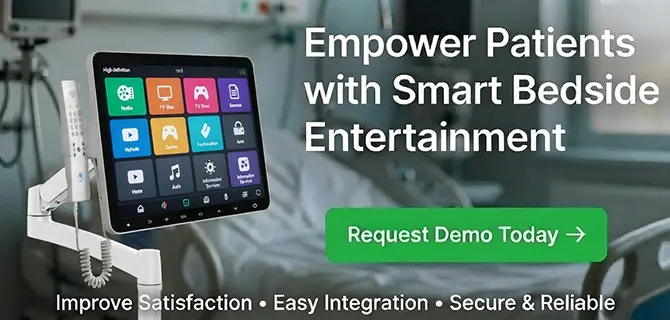
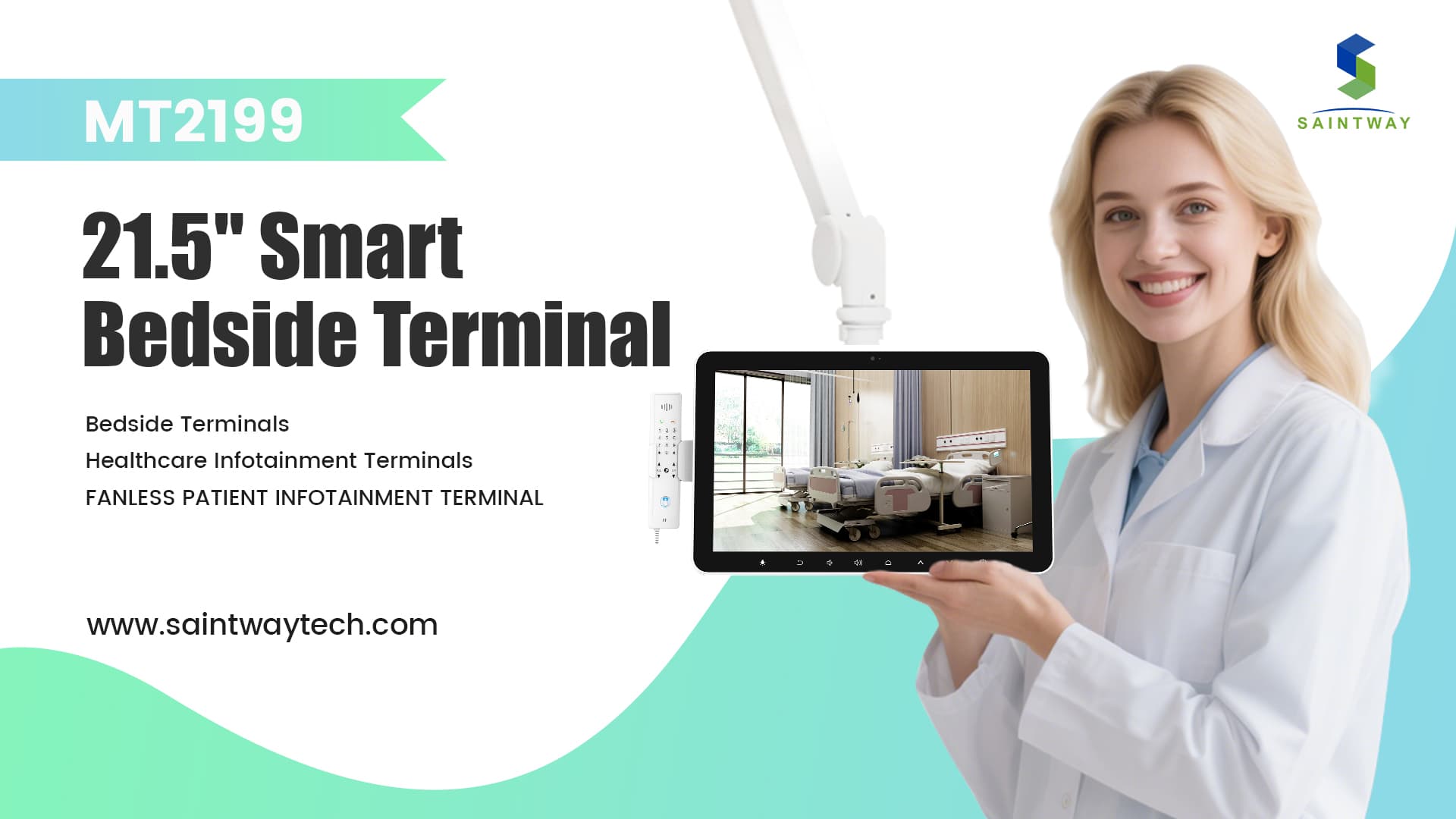
A Bedside Infotainment Terminal is a medical-grade, touch-screen computer mounted on a flexible swing arm.1 It replaces the TV, the phone, the whiteboard, and the paper education packets.
| The Problem | The Bedside Terminal Solution |
| Call Bell Fatigue | Categorized requests (e.g., “I’m thirsty” vs. “I’m in pain”) route non-clinical needs to support staff. |
| Low HCAHPS (Communication) | Real-time “Care Team” profiles show the name, photo, and role of everyone assigned to the patient. |
| Poor Education Retention | Automated, EMR-triggered video education that the patient must “verify” before discharge. |
| Infection Risk | IP65-rated, fanless, antimicrobial glass that survives “bleach-and-wipe” protocols. |
| Boredom & Isolation | Secure BYOD (Bring Your Own Device) casting, Netflix, and HIPAA-compliant video calls to family. |
3. System Architecture: Building the “Digital Nerve Center”
Implementing a terminal is easy; integrating it is where the value lies. To function as a clinical tool, the terminal must sit at the intersection of three major systems:
EMR Integration (HL7 & FHIR)
The terminal should pull real-time data from the EMR (e.g., Epic, Cerner, Meditech). When a doctor orders a “low-sodium diet,” the terminal’s meal ordering app should automatically filter out salty items. When a lab result is released, it can trigger a notification on the screen (subject to hospital privacy policies).
Nurse Call & RTLS Synergy
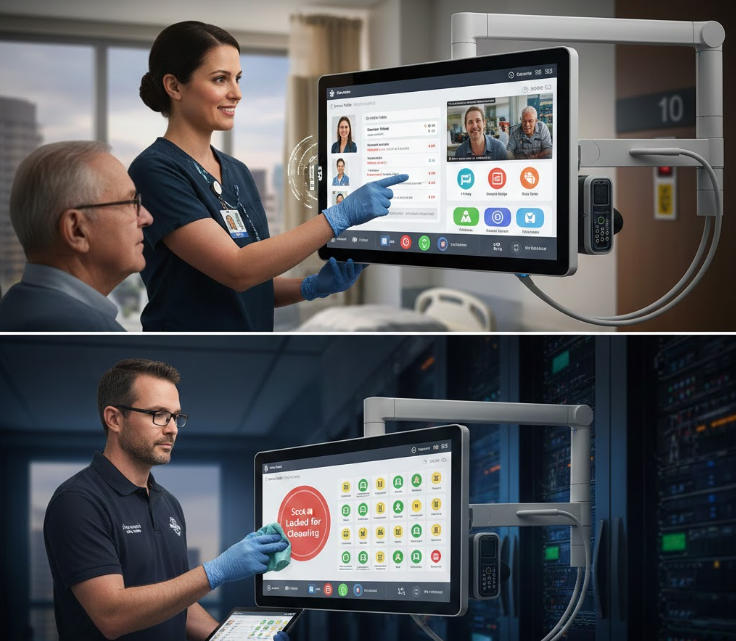
Integration with Real-Time Location Systems (RTLS) is a game-changer. When a nurse enters the room, the terminal can automatically switch from “Entertainment Mode” to “Clinical Dashboard,” showing the patient’s vitals and medication schedule. When the nurse leaves, the call light is automatically cancelled, and the screen returns to the patient’s movie.
HIS and Ancillary Services
The terminal acts as a portal to the Hospital Information System (HIS).2 This allows for:
- Digital Meal Ordering: Reducing food waste and ensuring dietary compliance.
- Service Requests: Ordering a room cleaning or a chaplain visit without involving a nurse.3
- Pharmacy/Gift Shop: Enabling “Meds to Beds” programs where patients can order and pay for discharge prescriptions directly from the screen.
4. Hygiene and Device Management: The Consultant’s Checklist
In my experience, the biggest failure point for bedside tech isn’t the software—it’s the physical maintenance and infection control.
Medical-Grade vs. Consumer-Grade
Never use a standard tablet in a rugged clinical environment. A true bedside terminal must be fanless (to prevent the spread of pathogens) and feature an IP65-rated front panel.
Cleaning Protocols
The hardware must withstand daily wiping with 10,000 ppm chlorine or hydrogen peroxide. In a “terminal clean” (between patients), the device management software should allow IT to “Lock for Cleaning,” preventing accidental touch triggers while the screen is being scrubbed.
Centralized IT Management (MDM)
Managing 500 devices individually is impossible. You need a centralized dashboard to:
- Push software updates silently at 2:00 AM.
- Monitor “Heartbeats” (knowing a screen is down before the patient complains).
- Remote Wipe: Ensuring all patient data is purged the moment the “Discharge” button is hit in the EMR.
5. ROI and Operational Impact
“How does this pay for itself?” This is the question I hear in every boardroom. The ROI of bedside terminals isn’t just “happy patients”; it’s hard-dollar savings.
- Reduced Length of Stay (LOS): By automating patient education and discharge checklists, patients are prepared for exit hours earlier. Saving just 4 hours of bed time across 10,000 admissions per year is equivalent to adding several new “virtual” beds to the facility.
- Nursing Retention: Reducing the “concierge burden” on nurses improves job satisfaction. In an era where a single nurse vacancy costs a hospital upwards of $80,000 to fill, retention is a massive financial lever.
- HCAHPS Reimbursement: In the US, a portion of Medicare reimbursement is tied directly to patient satisfaction scores.4 Moving from the 50th to the 75th percentile in “Communication with Nurses” can result in millions of dollars in retained revenue.
6. Deployment Best Practices: Lessons from the Ward
If you are planning a rollout, keep these “boots on the ground” tips in mind:
- Pilot the “Loud” Units First: Don’t start in the quiet VIP wing. Start in Med-Surg or Orthopedics, where call-bell volume is highest. If it works there, it will work anywhere.
- Involve Nursing Early: If nurses feel the tech is just “one more thing to do,” they will ignore it. Show them how it removes tasks from their plate.
- The “Welcome” Loop: Program the terminal to start with a personalized 30-second video from the Unit Manager. It sets a tone of hospitality immediately upon admission.5
- Physical Ergonomics: Ensure the swing arm has a “parked” position that doesn’t obstruct the patient’s view of the door or the nurse’s access to the patient’s head during an emergency.
7. Frequently Asked Questions (FAQ)
Q: Does this violate HIPAA if the screen is visible to visitors?
A: Modern systems use “privacy filters” on the glass and “Guest Mode” settings. Clinical data (like lab results) should only be accessible via a secure PIN or when a staff member taps their RFID badge to the terminal.
Q: What happens if the Wi-Fi goes down?
A: High-end terminals use Power-over-Ethernet (PoE+). This provides both a stable data connection and power through a single cable, eliminating the reliability issues of Wi-Fi in high-density hospital environments.
Q: Can patients use their own streaming accounts?
A: Yes. The software should allow for “secure wipe” on logout. When the patient is discharged, the system automatically clears all Netflix, YouTube, or Facebook credentials.
Q: How do elderly patients handle the touchscreen?
A: User Interface (UI) design for hospitals must prioritize “Big Button” accessibility. In our implementations, we’ve found that even patients 80+ years old can navigate a well-designed meal menu or video call interface with minimal instruction.
Conclusion
The bedside terminal is the final piece of the digital transformation puzzle. By turning the “TV on the wall” into a “clinical hub at the bed,” hospitals can finally bridge the gap between high-tech medical care and high-touch patient experience. It’s time to move beyond the call bell and empower both the patient and the provider with the information they need, right where the care happens.
Latest Content
- Top Bedside Infotainment Terminal Manufacturers 2026: Reviews & Guide
- Identity & Security at the Bedside:Building Trust in Smart Ward Architectures
- Preparing Smart Wards for Hybrid Care and Long-Term Scalability
- Revolutionizing Patient Care: A Comprehensive Guide to Hospital Television Systems
- Patient Interaction as a System Layer:Why the Bedside Terminal Is the Architectural Core of the Smart Ward